
Choose your text style
LED dots, neon, pixel or classic text. Give a welcome, request or greeting the look you want.
 LED Banner

LED Banner · iPhone, iPad & Mac
Create a concert cheer, an airport name board or a counter sign. Save your messages in LED Banner so they’re ready when you need them.
iPhone · iPad · Mac
Ask for one more song, welcome a friend or leave a quick message at the counter.
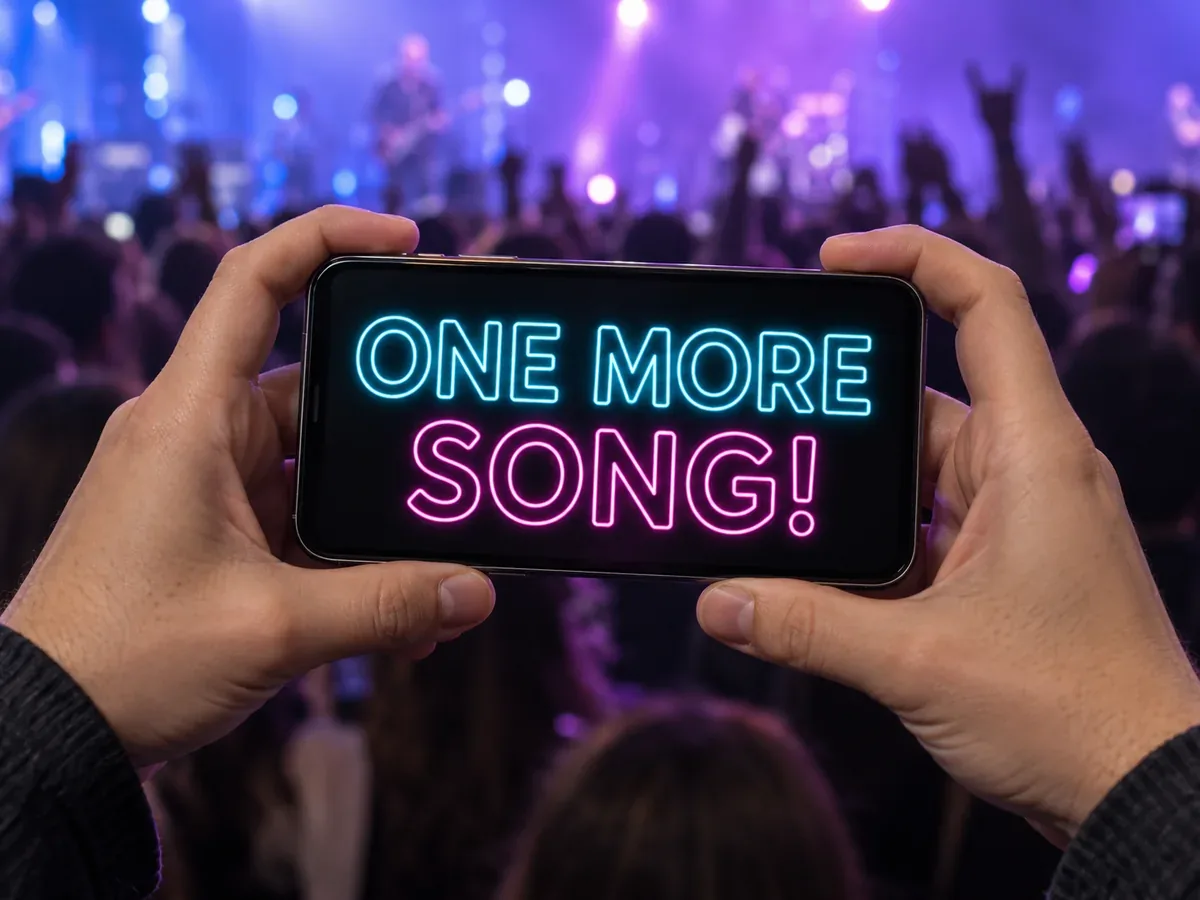
Turn your encore request into a glowing neon sign.
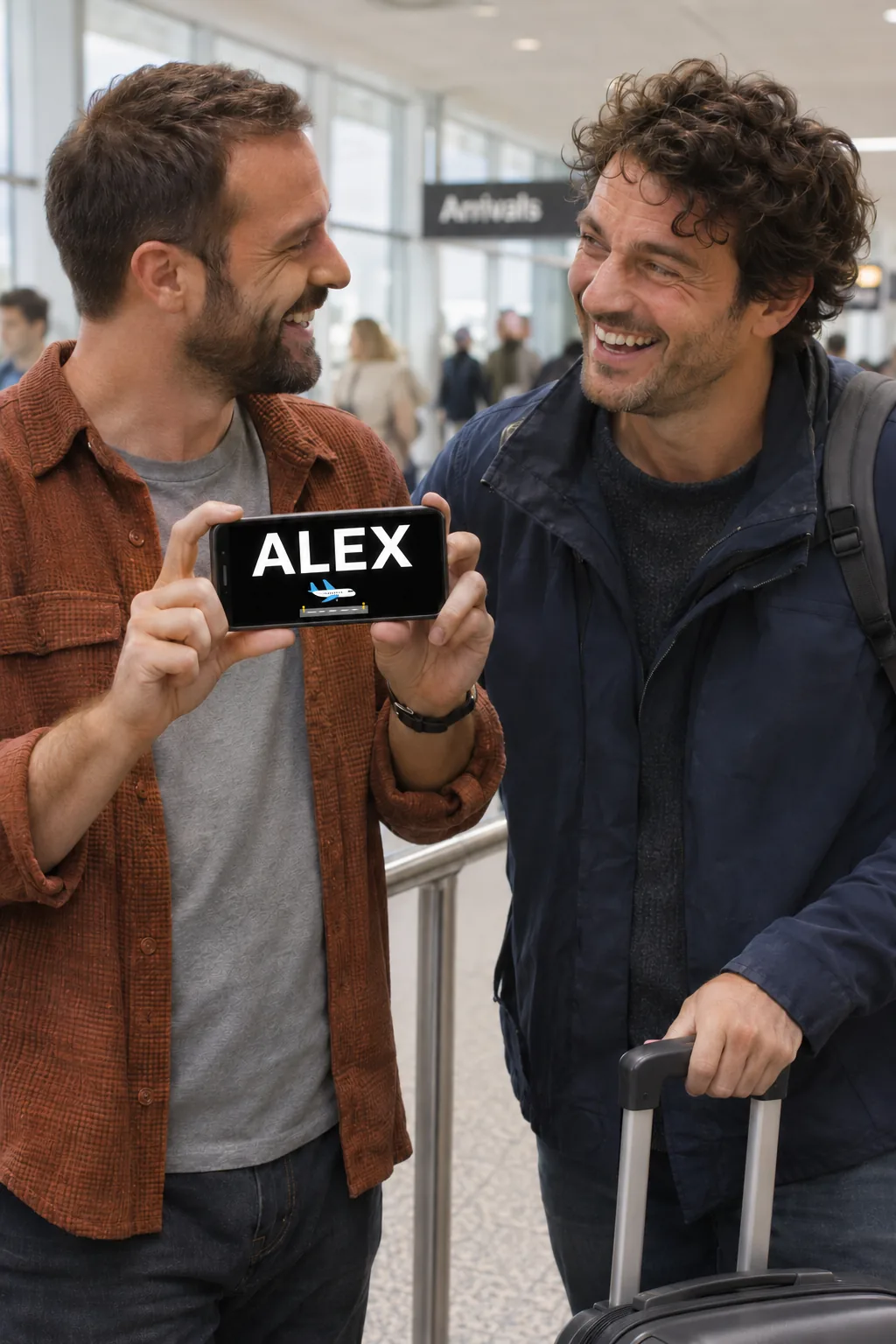
Big letters and a small plane sticker make a simple welcome at arrivals.

Put a short pixel-style message on the counter while you step away.
Keep a name, exit or counter number still so people can read it while walking. Use scrolling for a longer greeting when someone has time to watch a full pass.
Open LED Banner and enter a short phrase, such as «MEET BY THE EXIT».
Leave scrolling off. Use light letters on a dark background and adjust the size until the full message fits.
Tap the full-screen button and hold the phone sideways. Check that someone approaching can read the whole line at a glance.
Why download LED Banner?
Save your go-to signs, send a message as a video or GIF, or join screens with friends.
LED dots, neon, pixel or classic text. Give a welcome, request or greeting the look you want.
Set scrolling speed and direction. Add glow, pulse, wave or colour animation in the app.
Save a banner or start with a preset. Reuse a favourite message without typing it again.
Send your animated message to friends or share it in a post.
Connect compatible nearby devices to make one larger display with friends.
Choose the fonts, colours and backgrounds that suit your message.
LED Banner: Big Scrolling Text makes full-screen signs and scrolling messages on iPhone, iPad and compatible Macs. Save signs to reuse them, share them as a video or GIF, or connect compatible screens nearby.
Yes. Open LED Banner in the Mac App Store. It requires macOS 15.0 or later and a Mac with an Apple M1 chip or later.
Use LED Banner to keep a sign on screen, choose more styles and effects, save messages for later, and export video or GIF. You can try your wording in the preview on this page.
Installing does not transfer your text or the web preview settings. Select and copy the text in the message field, then paste it into LED Banner.
LED Banner: Big Scrolling Text is a Utilities app for iPhone, iPad and Mac by Mikhail Andrewywvich Chekalin. It provides full-screen text signs, visual styles, scrolling, presets and saved messages.
Source: App Store listingKeep your signs ready in LED Banner for the next concert, pickup or counter notice.